


ChatGPT can do much more than answer questions. Used deliberately, it can help organize information, analyze files, challenge ideas, accelerate learning and turn unstructured thoughts into actionable plans.
The key is not simply writing longer prompts. It is using the right workflow for the task.
The five strategies below show how to use ChatGPT as a personal knowledge assistant, research partner, critical reviewer, learning coach and thought organizer.
1. Build Your Own ChatGPT Knowledge Base

One of the most useful ways to get better results from ChatGPT is to give it consistent context about your work and preferences.
Start with a voice conversation and explain your background, communication style, goals, current projects and the way you prefer to receive information. The source tutorial recommends using a 20-to-30-minute interview to capture this information before turning it into a structured profile.
You can then turn the useful information into Custom Instructions.
For example:
Always organize complex information into tables when appropriate.
Keep explanations practical and concise.
Challenge weak assumptions instead of automatically agreeing with me.
Use examples whenever they improve understanding.
The goal is not to tell ChatGPT everything about yourself. Give it the context that actually improves future interactions.
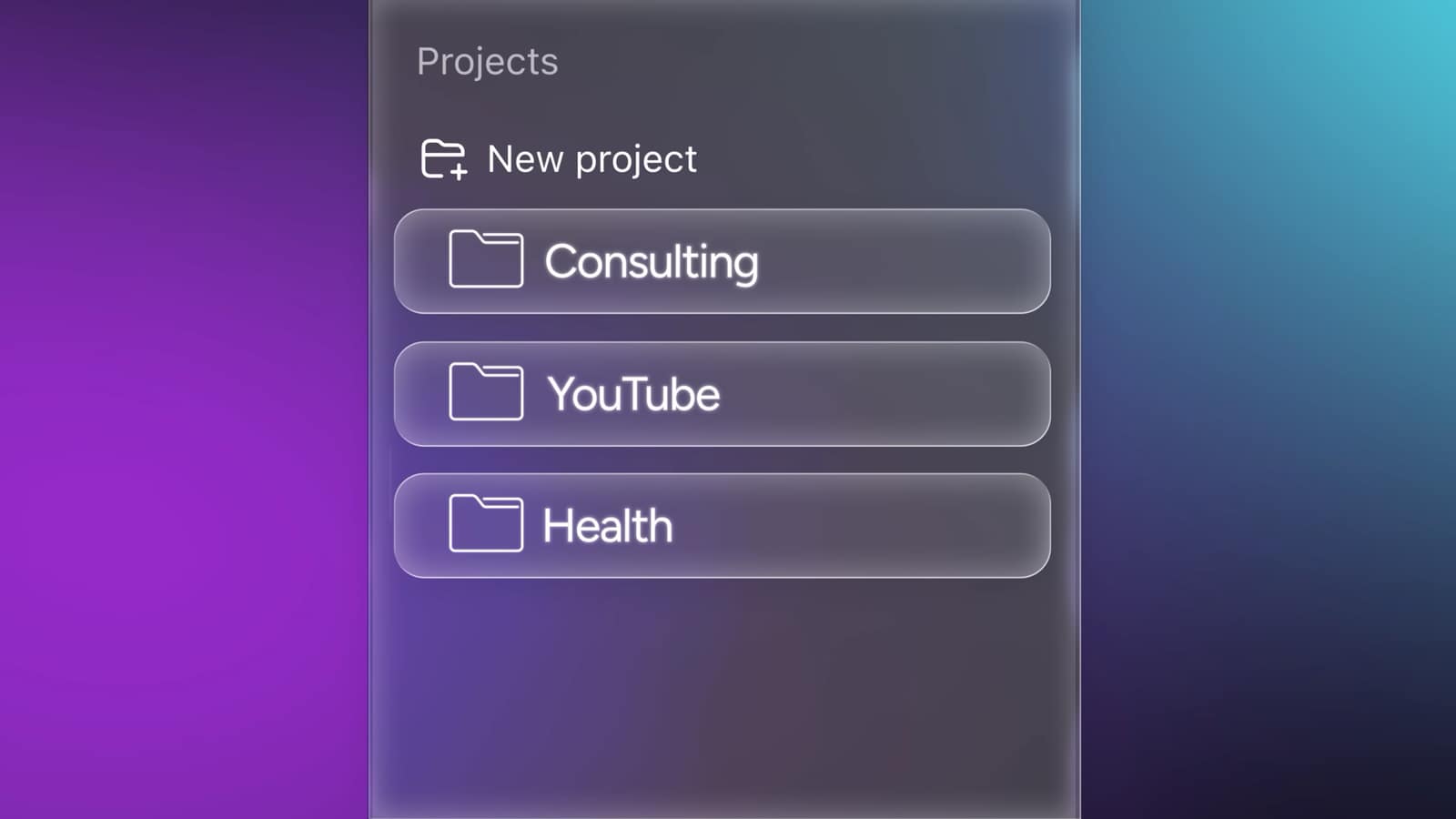
Create separate Projects for different areas
Projects are particularly useful when your work involves multiple documents and conversations. OpenAI describes Projects as dedicated workspaces where chats, files and project-specific instructions can be kept together. They are available across free and paid ChatGPT plans, although file limits vary by plan. (OpenAI Help Center)
You could create separate projects for:
- Work
- Learning
- Content creation
- Research
- Personal projects
This reduces the chance of mixing unrelated information and makes it easier to maintain context over time.
2. Use ChatGPT as an Operator, Not Just a Chatbot
For repetitive or multi-step work, the more useful question is not “What can ChatGPT tell me?” but “What can ChatGPT help me accomplish?”
The source tutorial recommends using agent-style workflows for tasks such as prospecting, researching information and processing multiple sources.
A stronger task description might look like:
Find 20 companies in this market.
Organize them by industry.
Identify the most relevant decision-maker for each company.
Show the evidence for every result.
Flag anything you cannot verify.
The advantage of this structure is that you are defining an outcome rather than asking isolated questions.
ChatGPT’s current deep research feature is also designed for complex investigations. OpenAI says it can combine uploaded files, web sources and supported connected sources and return a structured report with citations or source links. Availability and limits depend on the account and environment. (OpenAI Help Center)
Use images and files as context

ChatGPT can also analyze documents and images you upload. OpenAI currently supports file uploads for documents, spreadsheets, presentations and other supported file types, subject to plan and usage limits. (OpenAI Help Center)
Instead of describing a problem manually, upload the relevant material and ask:
Analyze this image.
Identify the most likely problem.
Explain what you can confirm from the image.
Then give me the safest next step.
That creates a much more useful workflow than trying to describe every visual detail yourself.
3. Make ChatGPT Challenge Your Ideas

AI can be useful for brainstorming, but simply asking it to agree with your plan is a weak way to use it.
A better strategy is to deliberately introduce adversarial review.
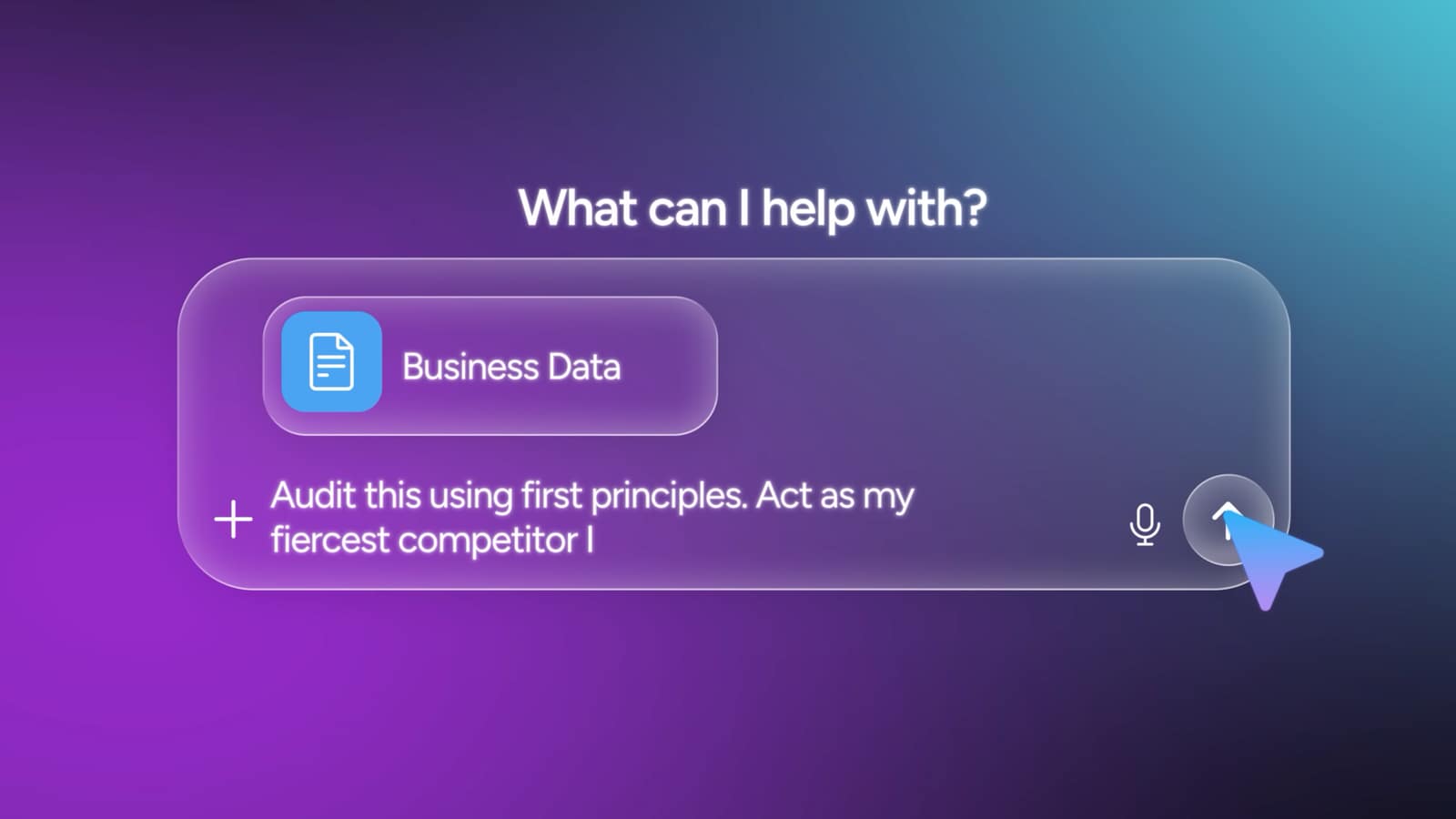
Give ChatGPT your idea and ask it to attack the assumptions:
Audit this plan using first principles.
Identify the three biggest weaknesses.
Tell me what evidence would change your conclusion.
The source tutorial calls this the Devil’s Advocate strategy and recommends asking the model to behave like a skeptical competitor when evaluating a proposal.
Simulate the conversation before the real one

You can also simulate opposing viewpoints before a difficult meeting.
For example:
Simulate a debate between a skeptical investor
and a founder defending this business idea.

The investor should challenge pricing, market size,
competition, customer acquisition and scalability.
The source presents this approach as “shadow boxing”—a way to discover objections before someone raises them in a real meeting.
This does not guarantee that ChatGPT will identify every real-world objection. Its value is in expanding the range of questions you consider before making a decision.
4. Turn ChatGPT Into a Personal Learning Coach
ChatGPT is particularly useful when you stop treating learning as passive explanation.
Start with a specific objective:
I want to learn the fundamentals of APIs.
Create a practical learning plan.
Focus on skills I can use immediately.
After each section, test me with questions.
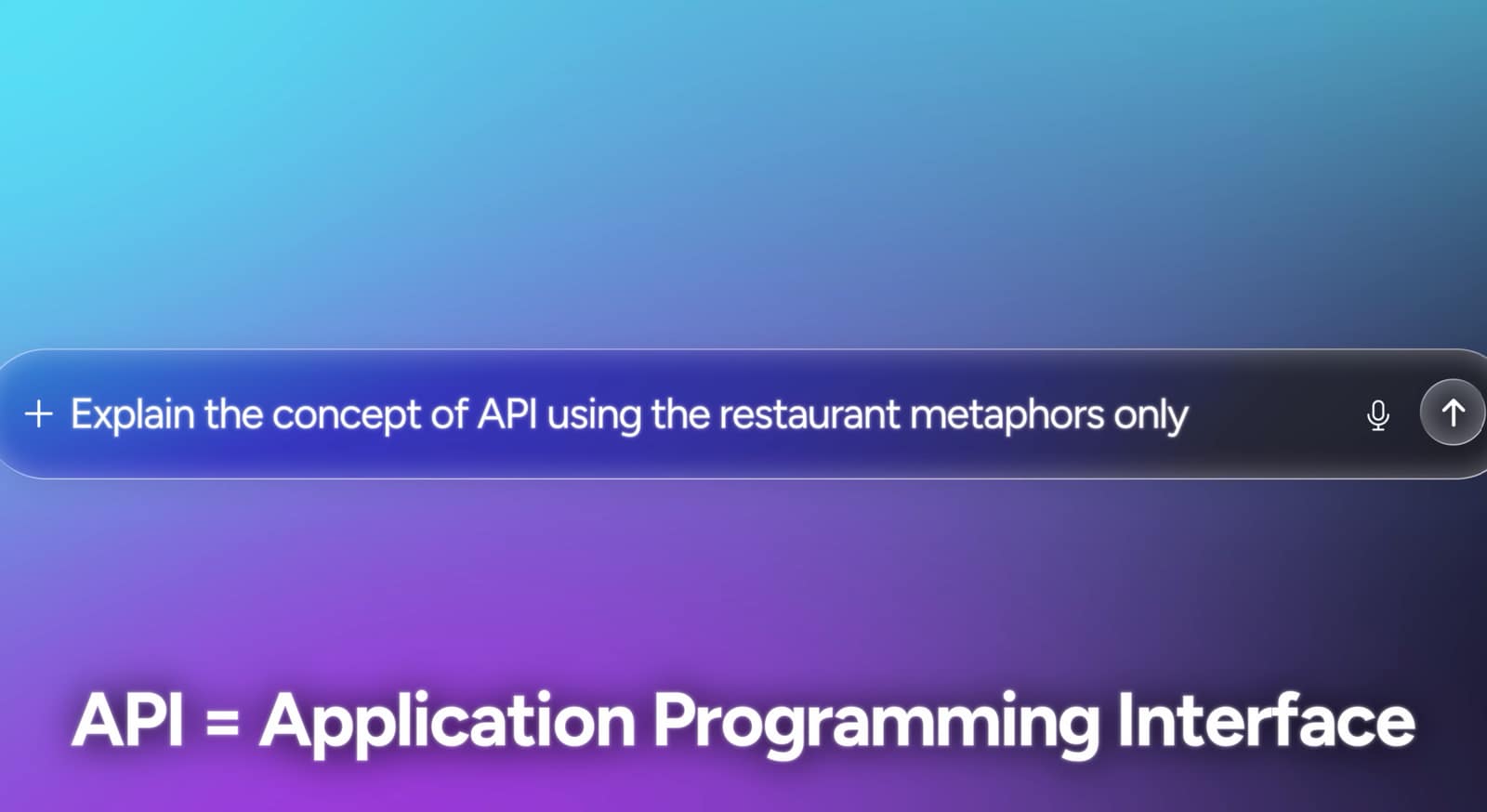
Explain difficult concepts using familiar analogies
When technical terminology becomes difficult, tell ChatGPT to use a domain you already understand.
For example:
Explain how an API works using only restaurant analogies.The source tutorial recommends this technique for translating technical concepts into familiar mental models.
Use progressive explanations
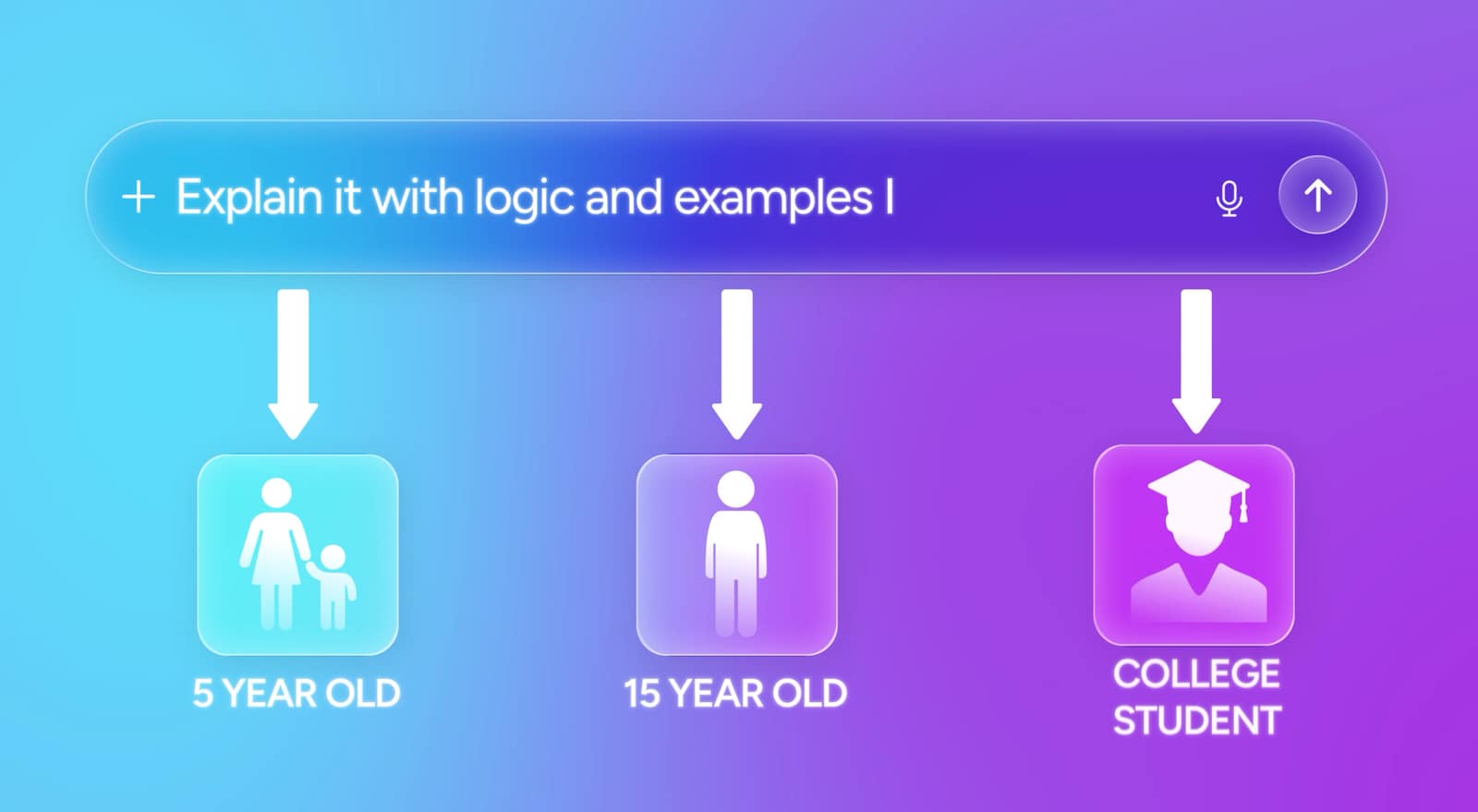
You can also request the same concept at different levels:
Explain quantum computing in three levels:

1. For a 5-year-old
2. For a 15-year-old
3. For a university student
The source calls this a three-level Feynman-style explanation.
The important part is not the labels. It is progressively increasing the technical depth so that you discover exactly where your understanding breaks down.
Make the AI test you
One particularly effective method is to ask ChatGPT to teach you through questions rather than continuously providing explanations.
For example:
Teach me the basics of Python.
Give me one practical concept at a time.
After each concept, ask me a question.
Do not move forward until I answer.
This turns the interaction from passive reading into active recall.
5. Use ChatGPT to Organize Messy Thinking
Not every useful ChatGPT session needs to be about technology or work.
Sometimes the problem is simply that there are too many thoughts competing for attention.
The source tutorial recommends a voice-based “Vomit Mirror” strategy: speak freely for several minutes, then ask ChatGPT to organize the result into problems you can solve, tasks you can delegate and noise you should ignore.
A prompt could be:
I'm going to talk for five minutes without organizing my thoughts.

Do not interrupt me.

When I finish, organize everything into:
1. Things I can solve today
2. Things I should delegate
3. Things I should stop worrying about
This works particularly well because you do not have to structure your thoughts before expressing them.
Use the Decision Mirror Before Major Choices
The same concept can be applied to important decisions.
Explain the decision, your reasoning and the assumptions behind it:
I'm about to make this decision: X.

My reasoning is: Y.

Challenge my reasoning.
Identify weak assumptions.
Tell me what information I am missing.
The source describes this as a Decision Mirror, designed to test judgment before committing to a major decision.
ChatGPT should not make the final decision for you. Its role is to expose assumptions, alternatives and unanswered questions that you may have overlooked.
A Better Way to Combine the Five Strategies
The real power comes from combining these methods rather than using each one in isolation.
Imagine you are starting a new business project.
First, create a dedicated Project and upload the relevant documents. Then use ChatGPT to analyze the material and establish the context.
Next, ask it to challenge your business plan from the perspective of a skeptical competitor.
After that, use it as a learning coach to teach you any technical concepts you need to understand.
Finally, before making a major decision, use the Decision Mirror to identify assumptions and missing information.
This creates a workflow that looks like:
Context → Research → Challenge → Learn → Decide
That is much more powerful than simply asking a chatbot one question at a time.
What ChatGPT Still Cannot Do for You
There is an important limitation behind all five strategies: better prompting does not guarantee correct information.
AI systems can misunderstand context, produce incorrect statements or confidently generate information that is not supported by evidence. The source material itself emphasizes the need to verify important information rather than accepting AI output automatically.
OpenAI’s current documentation similarly recommends reviewing research outputs and checking their citations and sources before relying on them. (OpenAI Help Center)
For high-stakes subjects, use ChatGPT as an assistant for analysis and organization—not as the final authority.

