

Running AI locally can give you more control over your data, software and workflow. Instead of sending every task to a cloud service, local AI tools can perform certain jobs directly on your own computer.
This guide covers five tools presented in the supplied material: Jan for local AI chat, Vain for AI-assisted web research, Open Code for programming, Whisper X for speech-to-text, and Invoke AI with Flux 2 for local image generation.
The exact performance you get will depend heavily on your processor, RAM, GPU, operating system and the models you choose. Before installing anything, make sure your computer has enough resources for the workload you intend to run.
What You Need Before Installing Local AI Tools
The supplied tutorial recommends Windows 10/11 or macOS, administrator access, at least 16 GB of RAM, and a dedicated GPU for image-generation workloads. It also lists Docker for Vain, Python 3.x for Whisper X, and a Google account for Veto Prompt Studio.
A useful distinction is that these requirements are not universal for every tool. Running a small language model locally can require considerably fewer resources than generating images with a large diffusion model.
Before installation, therefore, check the current requirements of each project’s official documentation.
1. Jan: Run an AI Chatbot Locally
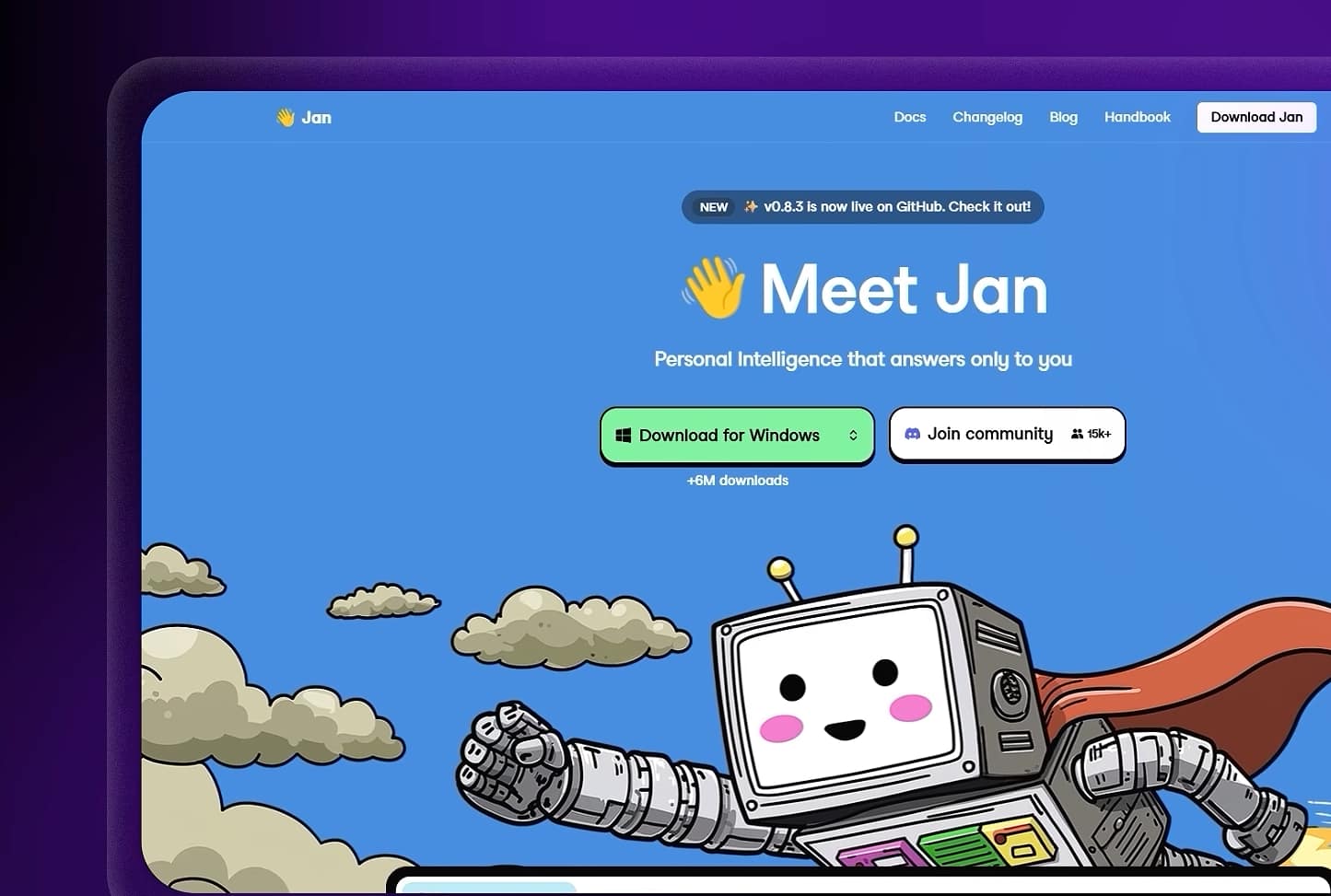
Jan is the simplest starting point in this list. It provides a desktop interface for running compatible AI models locally. Jan – Open-Source
Download Jan from its official website and select the installer for your operating system.
Install Jan and Choose a Model
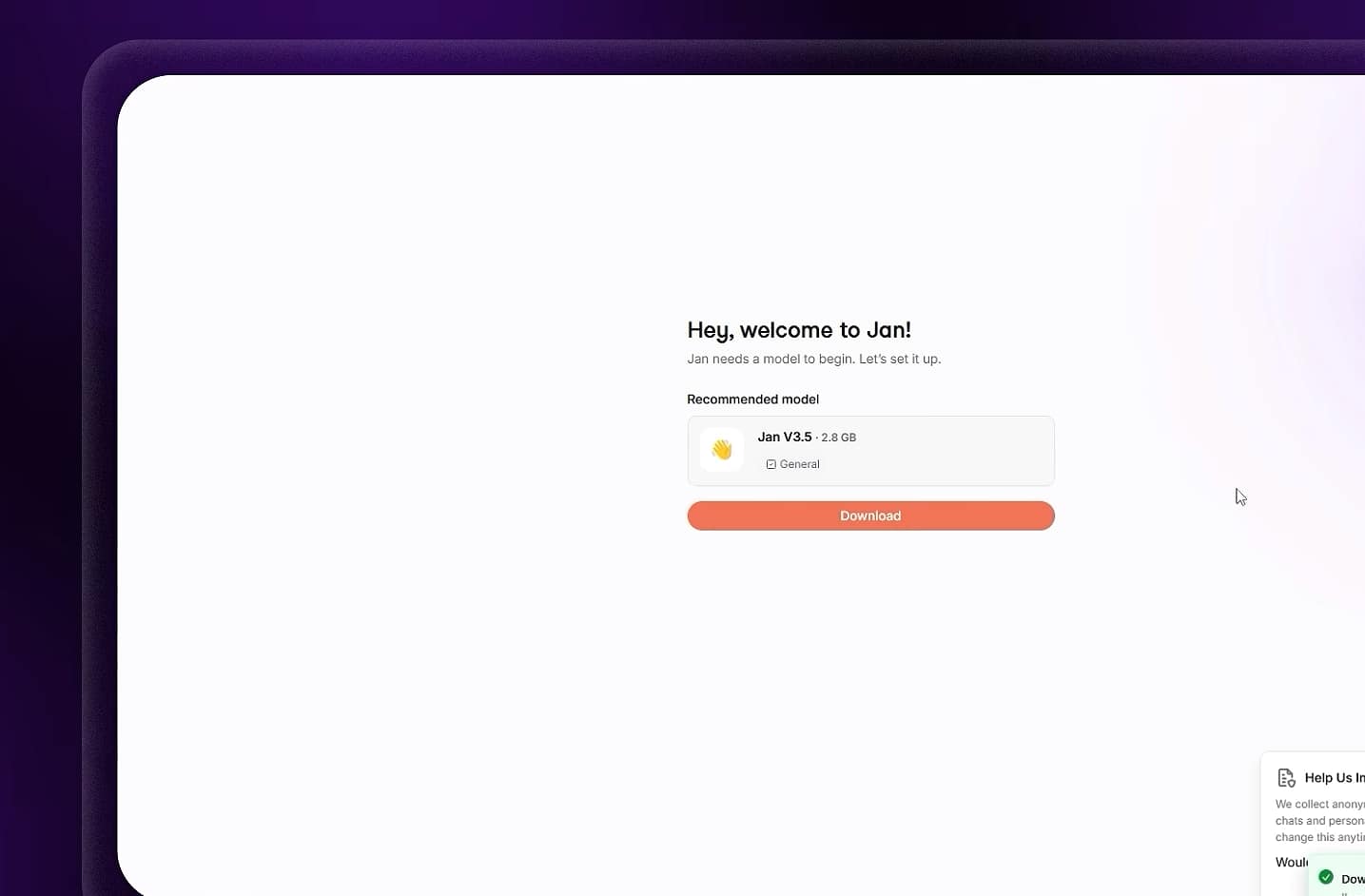
After installation, open Jan and navigate to its model section.
The supplied tutorial uses a model identified as Janv3.5, but model availability can change between releases. Rather than assuming that a particular model will always be offered, choose a model that is currently available and compatible with your hardware.
Once the model has downloaded, open a new conversation and send a simple test prompt.
For example:
Explain what a computer network is in five simple sentences.You can then send a follow-up question to check whether the model maintains the conversation context.
The Main Advantage: Local Processing
A major reason to use a local AI model is that it can continue working without an internet connection once the required software and model files are available.
The source material demonstrates disconnecting the computer from the internet and continuing the conversation locally.
That can be useful for privacy-sensitive workflows, although “local” does not automatically mean that an application never communicates externally. Check the specific software’s privacy documentation and network behaviour before making sensitive-data assumptions.
2. Vain: Search the Web With AI-Assisted Source Validation
The second tool in the tutorial takes a different approach.
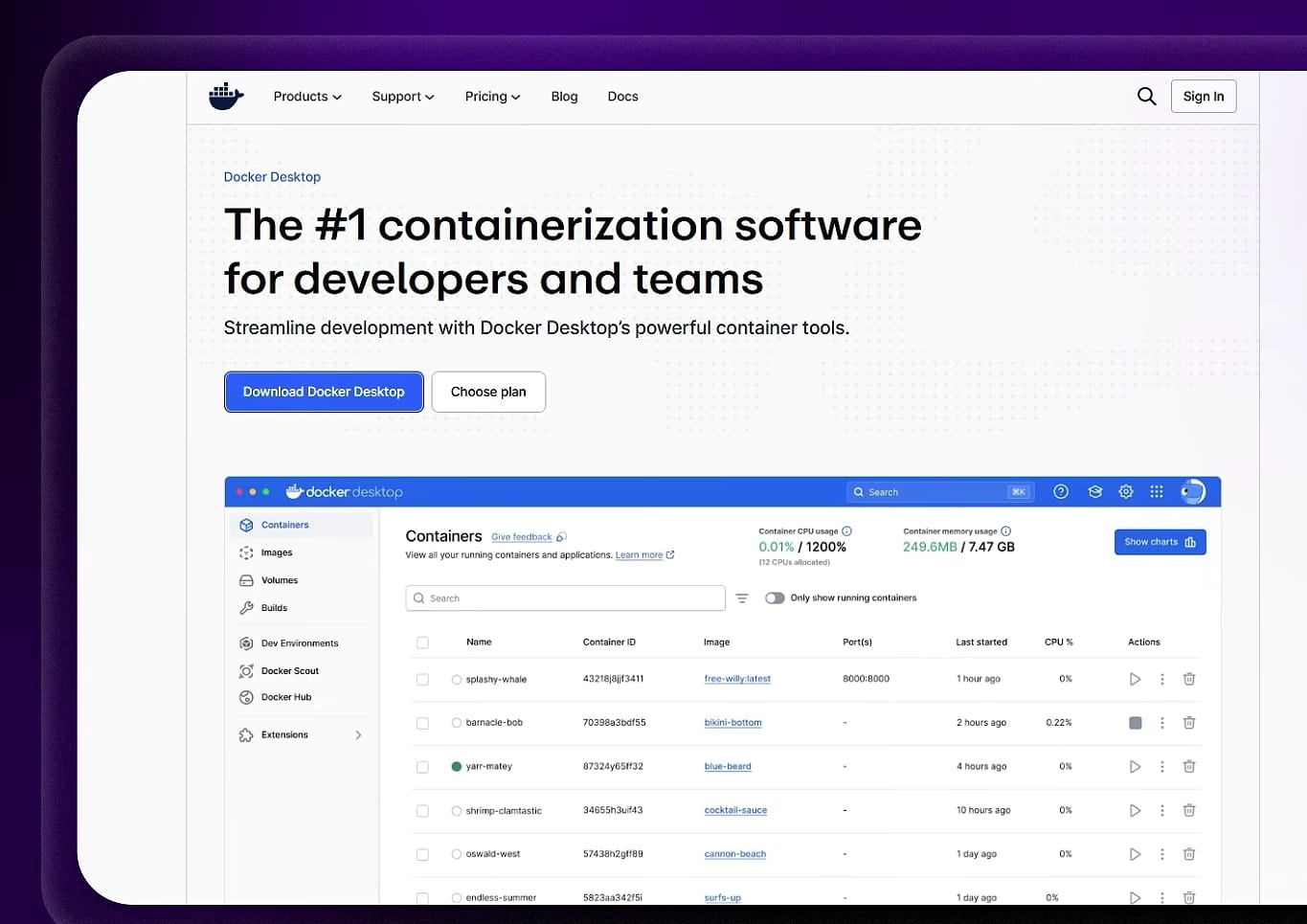
Vain is presented as an AI-assisted web research system that runs through Docker. The supplied workflow uses Jan to generate the installation commands before executing them in a terminal.
After installation, open the Vain web interface and select its Quality mode when available.
The supplied tutorial describes this mode as prioritizing deeper research and source analysis over speed.
Enter a question that requires current information from the web.
The key feature described in the material is the ability to inspect the sources behind a generated answer. A result can include a panel showing the web pages consulted, allowing you to open the original sources rather than accepting the summary blindly.
That distinction matters. An AI-generated answer is only as trustworthy as the evidence supporting it.
3. Open Code: Use AI Inside Your Development Environment
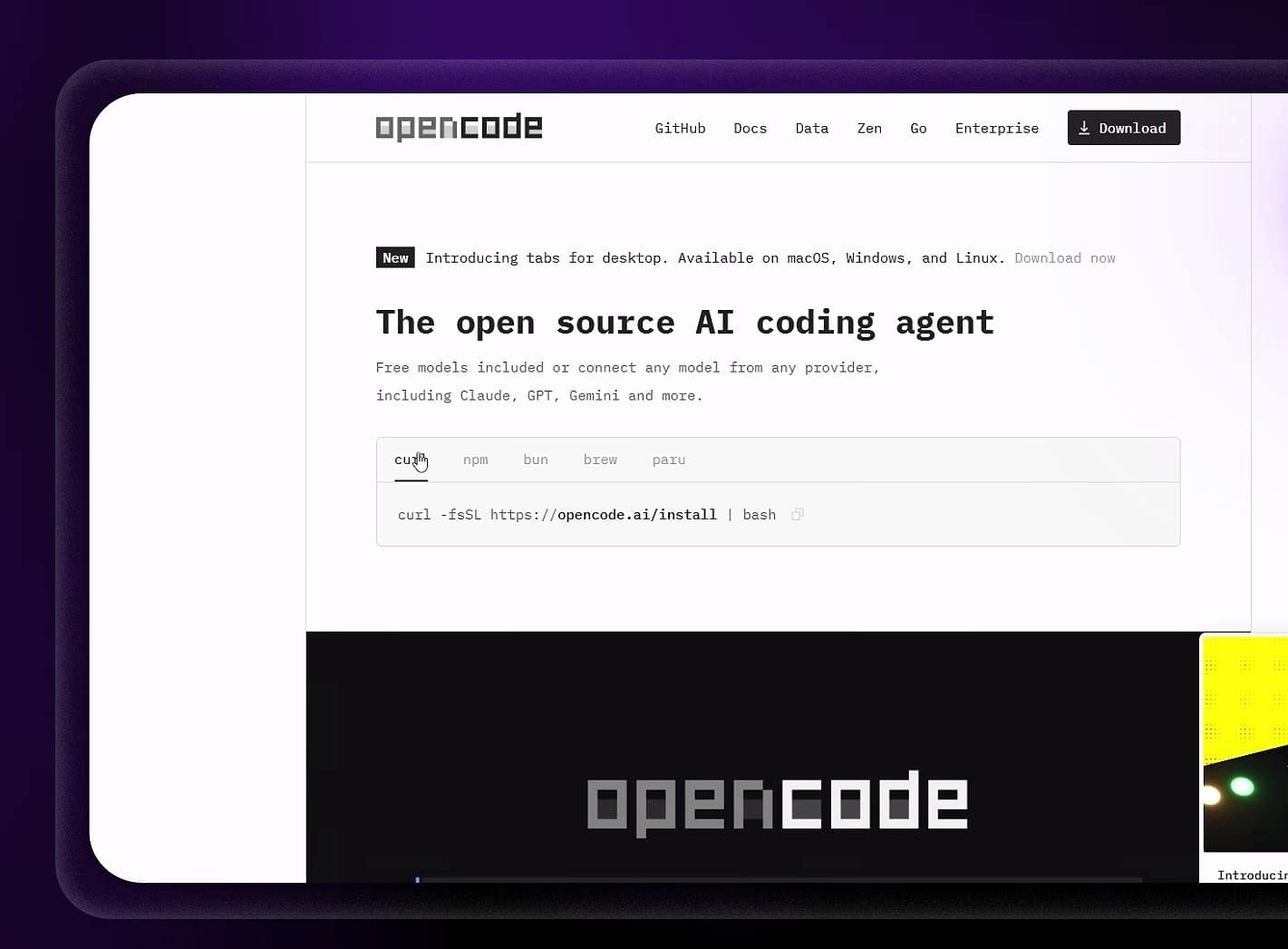
The third tool is aimed at programmers.OpenCode
The supplied tutorial presents Open Code as a local programming assistant that can inspect a project’s files, help identify bugs and propose code changes.
After installation, open your project’s directory in a terminal and launch the tool from that location.
The important part is the project context. An AI coding assistant becomes significantly more useful when it can see the files, functions and surrounding code involved in the problem.
Test It With a Simple Bug
The tutorial uses a deliberately incorrect calculation as an example:
A discount of 10% should be applied to 200.
Expected result: 180.
Actual result: 199.9.
Ask the coding assistant to investigate the error and explain the problematic line.
The supplied workflow shows the tool identifying the relevant section, explaining the issue and asking for confirmation before modifying the source file.
That last step is important.
Never allow an AI coding tool to modify important files without reviewing the proposed change. A successful test in a small example does not prove that a change is safe for a production project.
4. Whisper X: Turn Your Voice Into Text

Typing long prompts can become tedious, particularly when you are working with detailed instructions. GitHub – m-bain/whisperX
The tutorial presents Whisper X as an open-source speech-to-text option that can convert spoken instructions into text locally.
The basic workflow is:
- Install the required Python environment and Whisper X.
- Start the transcription process.
- Speak clearly into your microphone.
- Use the resulting text wherever you need it.
The supplied example is a spoken prompt describing a YouTube introduction.
This can be particularly useful when you think faster than you type or when you want to capture ideas while working away from the keyboard.
However, transcription quality depends on the specific model, audio quality, language and hardware. The source’s claim that speech will be transcribed “without errors” or several times faster should not be treated as a universal guarantee.
5. Invoke AI + Flux 2: Generate Images Locally
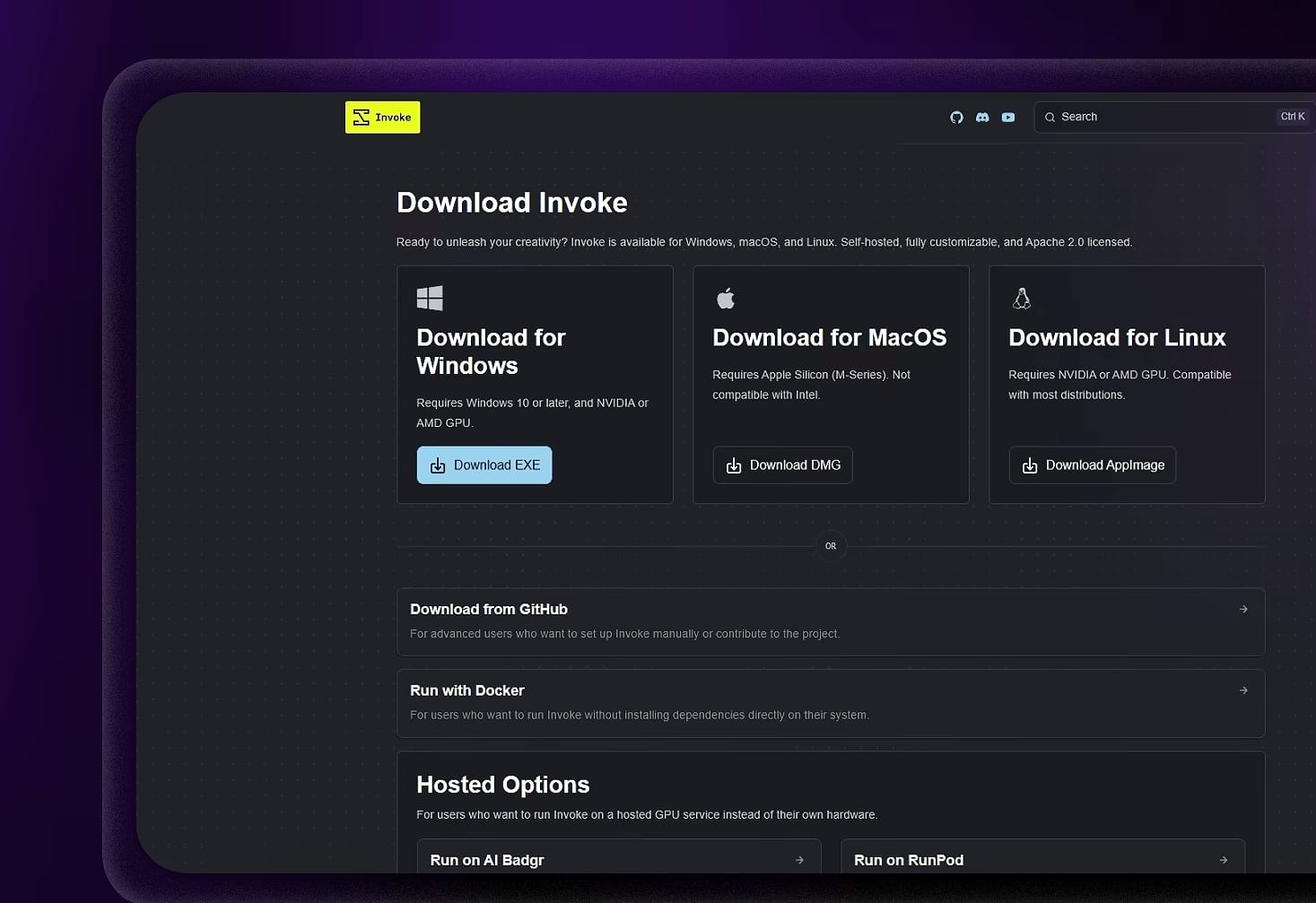
The final workflow is the most demanding one because image generation can consume substantial GPU memory. AI Image Generation for Creatives | InvokeAI
The supplied tutorial uses Invoke AI as the interface and Flux 2 as the image model. It recommends using a lighter variant such as Flux 2 Klein 4B on systems with less VRAM.
Install Invoke AI and Select a Model
After installing Invoke AI, open the Model Manager and search for the desired Flux model.
The source specifically demonstrates selecting Flux 2 Klein 4B for a lighter local workflow.
Return to the generation interface and select the installed model.
Improve Prompts With Veto Prompt Studio
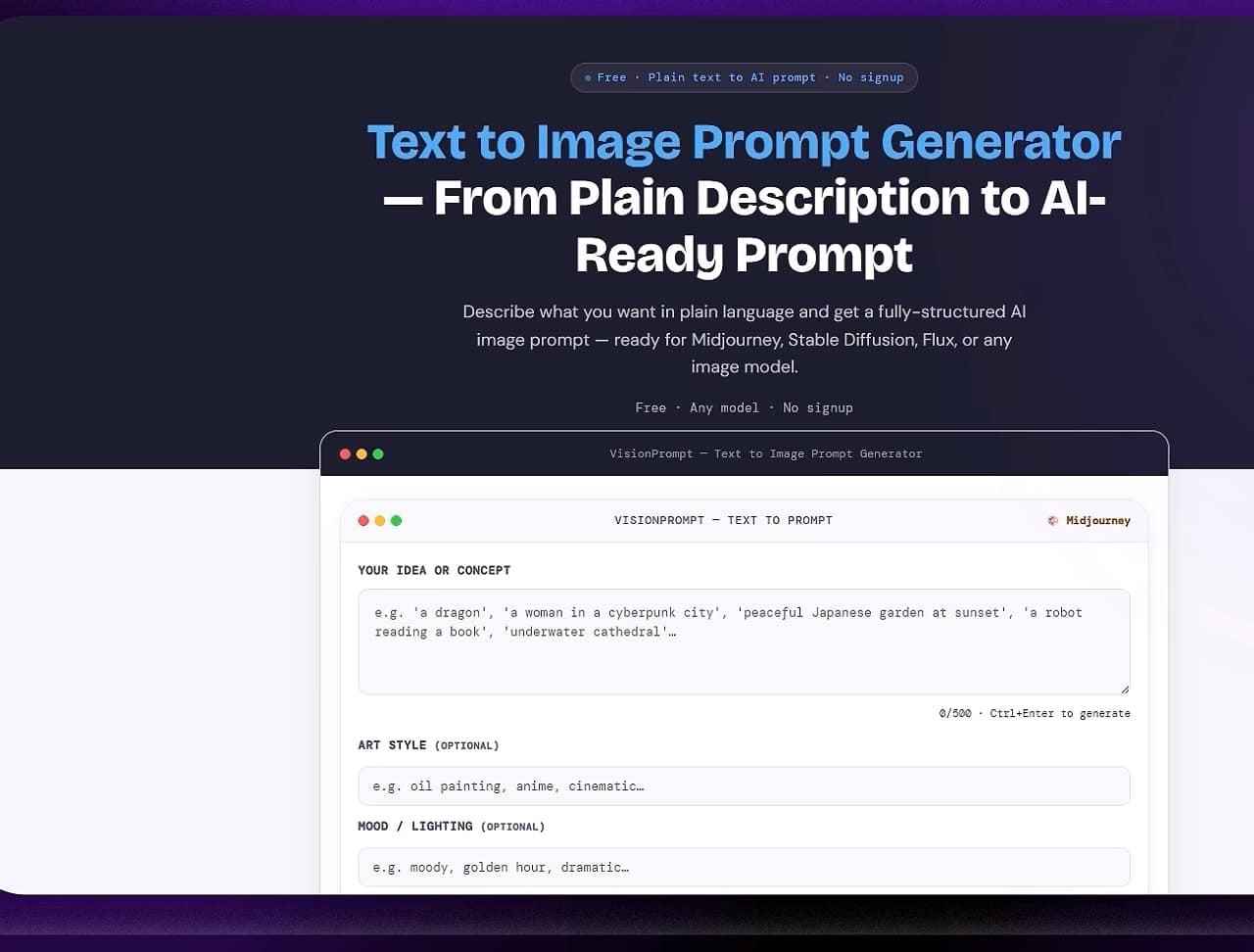
The tutorial also introduces Veto Prompt Studio as a web-based tool for turning a simple image idea into a more detailed prompt.
For example, start with:
A futuristic African city at sunset.The tool can then produce a more structured prompt that you can copy into Invoke AI.
The workflow described in the source is:
Simple idea → Veto Prompt Studio → structured prompt → Invoke AI → generated image.
Be aware that the use of an online prompt-generation service means the original prompt or other information may be processed by that service. Local image generation does not necessarily mean the entire workflow is private if external services are still involved.
What Happens When Your GPU Runs Out of VRAM?
Image generation is the area most likely to expose hardware limitations.
The supplied tutorial specifically recommends switching from a larger development model to Flux 2 Klein 4B when generation fails with an out-of-memory error.
Other practical options include reducing resolution, using a smaller model, reducing batch size or closing other applications that are consuming GPU memory.
The exact limits depend on the model and implementation.
Can Jan Really Replace Cloud AI Completely?
Not necessarily.
Local AI has major advantages, especially control and the ability to work without a constant internet connection. But cloud services can still offer access to larger models, specialized tools, faster infrastructure or capabilities that are impractical to run locally.
Local AI also shifts some costs from subscriptions to hardware, electricity, storage and configuration time.
The strongest setup is therefore not always “local instead of cloud.” For many users, a hybrid approach makes more sense.
Keep Your Local AI Environment Updated
Open-source software changes quickly.
Models are replaced, interfaces are redesigned, installation instructions become outdated and hardware requirements evolve. The commands demonstrated in an older video may therefore stop working after an update.
Before copying installation commands from a tutorial, check the project’s current official documentation and release information.
This is especially important for Docker images, Python packages and AI models, where version compatibility can cause installation failures.

